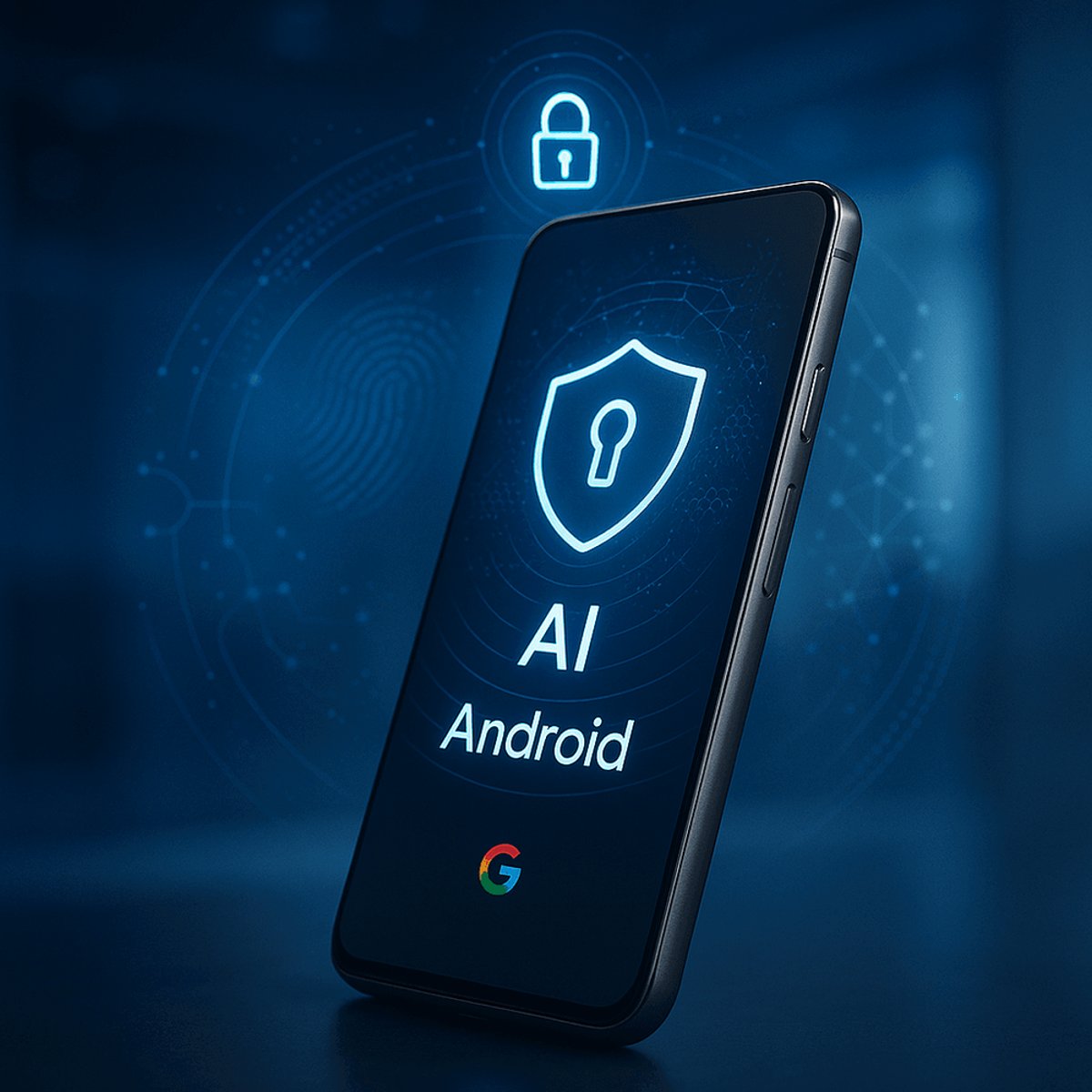
Google is beefing up Android's security arsenal with a fresh batch of anti-theft features that use on-device AI to detect when someone's snatched your phone right out of your hands. The rollout, announced Tuesday, expands on last year's protection suite with smarter authentication safeguards and recovery tools that make stolen Android devices significantly harder to crack. For users in Brazil, where phone theft runs rampant, Google's flipping on AI-powered Theft Detection Lock and Remote Lock by default - a first for the platform.
Google just made Android phones a lot less appealing to thieves. The company rolled out a comprehensive security update Tuesday that layers AI-powered theft detection on top of existing safeguards, creating what amounts to a multi-tier defense system for your pocket computer.
The headline feature is Theft Detection Lock, which uses on-device machine learning to recognize the telltale motion patterns of a snatch-and-run theft. According to Google's security blog post, the system can distinguish between normal movement and the sudden acceleration that happens when someone grabs your phone and bolts. Once triggered, the device automatically locks itself before the thief can disable security features or access your data.
It's a direct response to a problem that's plagued smartphone owners since the iPhone made mobile devices worth stealing in the first place. While Apple devices remain prime targets because of their resale value, high-end Android phones - particularly Google Pixel Pro models, premium foldables, and flagship Samsung devices - have become increasingly attractive to thieves as their prices creep toward four figures.
Google's building on security tools introduced throughout 2024, including Offline Device Lock and other foundational protections. But the new features go further by addressing the specific tactics thieves use once they've got your device in hand.
For Android 16 users, Failed Authentication Lock now comes with granular controls. Instead of being an all-or-nothing security measure, you can toggle it on or off through a dedicated switch in your device settings. More importantly, Google's extending the lockout period after failed PIN, pattern, or password attempts - meaning a thief gets fewer chances to guess their way into your phone before it becomes essentially bricked.
The Identity Check feature, which debuted on Android 15 last year, now covers every app and feature that uses biometric authentication. That includes banking apps, password managers like Google Password Manager, and any third-party apps relying on fingerprint or face unlock. It's a subtle but significant expansion that closes potential loopholes where thieves might bypass security by targeting specific apps.
Remote Lock got smarter too. The feature lets you lock a lost or stolen device from any web browser, but Google added an optional security challenge that ensures only the legitimate owner can trigger the lock. It's available for devices running Android 10 or higher, which covers the vast majority of active Android phones.
The most aggressive deployment is happening in Brazil, where smartphone theft has reached epidemic levels in major cities. Google's enabling Theft Detection Lock and Remote Lock by default for Brazilian users, making it the first market to get automatic protection without requiring opt-in. The Remote Lock feature will be accessible directly through android.com/lock, streamlining the recovery process when every second counts.
The Brazil rollout signals Google's willingness to tailor security features to regional threat levels rather than applying one-size-fits-all policies globally. It's a pragmatic approach that acknowledges smartphone theft isn't evenly distributed - certain markets face significantly higher risks and need stronger default protections.
What's notable here is Google's reliance on on-device AI rather than cloud-based processing. By keeping the theft detection algorithms local, the company avoids privacy concerns while ensuring the feature works even when thieves immediately disable network connections. It's the same strategy Apple has used with features like Crash Detection, where time-sensitive safety features can't afford to wait for cloud round-trips.
The timing aligns with Android 16's broader push toward stronger device security. Google's been steadily closing gaps that made Android devices easier targets than iPhones, and these anti-theft features represent another step toward parity. The company hasn't shared specific theft statistics, but the investment in AI-powered detection suggests the problem is significant enough to warrant dedicated machine learning resources.
For users, the features mostly work in the background. You won't notice Theft Detection Lock until it potentially saves your data, and the enhanced lockout timers only matter if someone's actively trying to break into your device. The Remote Lock security challenge adds one extra step during an already stressful situation, but it's a reasonable tradeoff to prevent thieves from weaponizing the feature against legitimate owners.
Google's also betting that making phones harder to steal will reduce theft attempts overall. If thieves know Android devices automatically lock during snatch-and-run attempts and become progressively harder to crack with each failed login, the risk-reward calculus shifts. It's the same deterrent effect that reduced car thefts when immobilizers became standard.
The rollout starts with Android 16 for the newest features, but Google's extending some protections back to Android 10, ensuring the security upgrades reach hundreds of millions of devices still in active use.
Google's theft protection update represents a meaningful shift from reactive to proactive security. By using AI to detect theft in progress and layering multiple authentication barriers, Android devices become significantly harder targets. The default-enabled rollout in Brazil tests whether aggressive security policies can actually reduce theft rates - if successful, expect similar approaches in other high-risk markets. For users, it's mostly invisible protection that only matters when you need it most, which is exactly how good security should work.